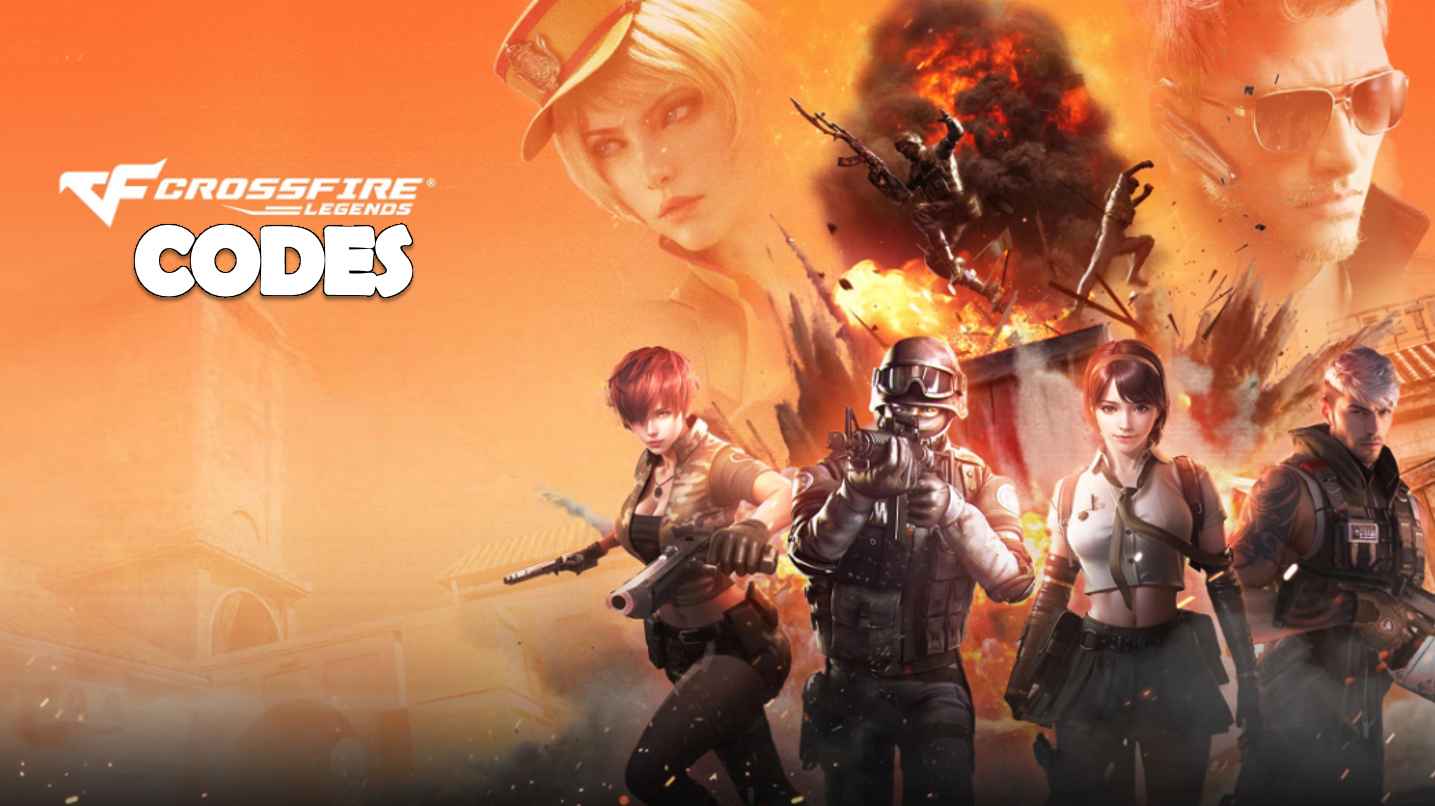
Crossfire: Legends
Updated
Current Version
1.0.10.50
Offered By

With your passion for Crossfire: Legends, you shouldn’t have to limit yourself to the small screen of a phone. Play like a pro and take full control of the game using a keyboard and mouse. MEmu gives you everything you’re looking for. Download and play Crossfire: Legends on PC. Play as long as you want — no more worries about battery life, mobile data, or unexpected calls. The all-new MEmu 9 is the best way to play Crossfire: Legends on PC. With our expertly designed keymapping system, Crossfire: Legends feels just like a real PC game. The MEmu multi-instance manager lets you run two or more accounts on the same device at the same time. Most importantly, our exclusive emulation engine unlocks your PC’s full potential, delivering smooth and seamless performance.
Show more
Download Crossfire: Legends on PC with MEmu Android Emulator. Enjoy playing on big screen. [Crossfire: Legends Season II — Legends Showdown Kicks Off Now!
[Crossfire: Legends Season II — Legends Showdown Kicks Off Now!]
Gameplay Updates
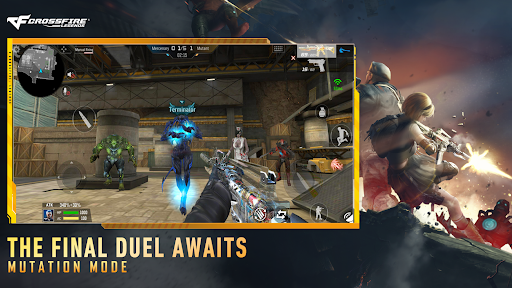
Mass Mutation Mode: Up to 24 palyers to randomly join the Soldier or Ghost team to experience the pinnacle of showdowns, newly added characters including Master hero and Evil Terminator can be used.
Arms Race Mode: Eliminate opponents to earn EXP, which upgrades your weapon through a cycle of random arms, offering diverse and progressive combat experiences.
Elimination Mode: Engage in intense, round-based matches (5–10 minutes). Win by eliminating all enemies before time expires or the round concludes.
Massive Rewards For Free
Log in and participate in in-game events to claim free rewards, including:
Participate to gather "Light" for Ramadan lanterns, contributing to a server-wide progress bar. Server rewards unlock between March 20 and March 22, escalating with collective progress—earn a new VVIP primary weapon and massive diamonds for free.
Log in weekly to claim 3 brand new VVIP weapons. And the arsenal will be upgraded again! An extra VVIP weapon is presented, trust me, you don't want to miss out on RPK-Medusa.
Take on trial tasks to obtain the permanent melee weapon Ultimate Gold. Completing all tasks grants the permanent VVIP melee weapon, Knife Ultimate Goldsmith for free.
Log in between March 20 and March 22 to claim the Desert Eagle-Fried Chicken Thighs, Pan-Gold, and heaps of diamonds for free, sharing blessings and joy.
A new season begins with fresh rewards. Daily logins yield Rank Score Protection Cards, Double Rank Score Cards, plus a chance to win VVIP throwables and multiple permanent weapons for free.
New Seasonal Battle Pass
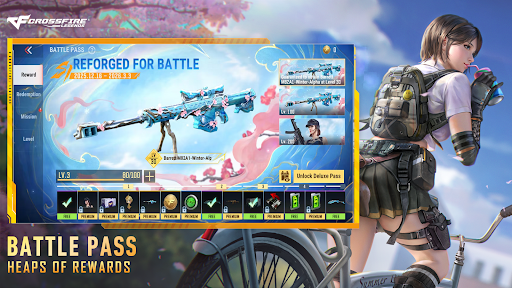
Complete in-game tasks for Battle Pass EXP to redeem diamonds and other rewards for free. The premium pass offers exquisite weapons including the AK47-Spring-Alpha, the popular character Ultimatum, and other valuable loot.
New Weapon & Characters
The highly popular Iron Beast weapon series gets a sleek, tech-inspired skin—the Punk series. Players can get a chance to win them through ingame Punk Lucky Darw event.
The first Crossfire: Legends Heartshot female idol group character and one of the most popular characters of Crossfire IP, Yun Youyou, is coming soon. Players can get a chance to win them through ingame event.
---
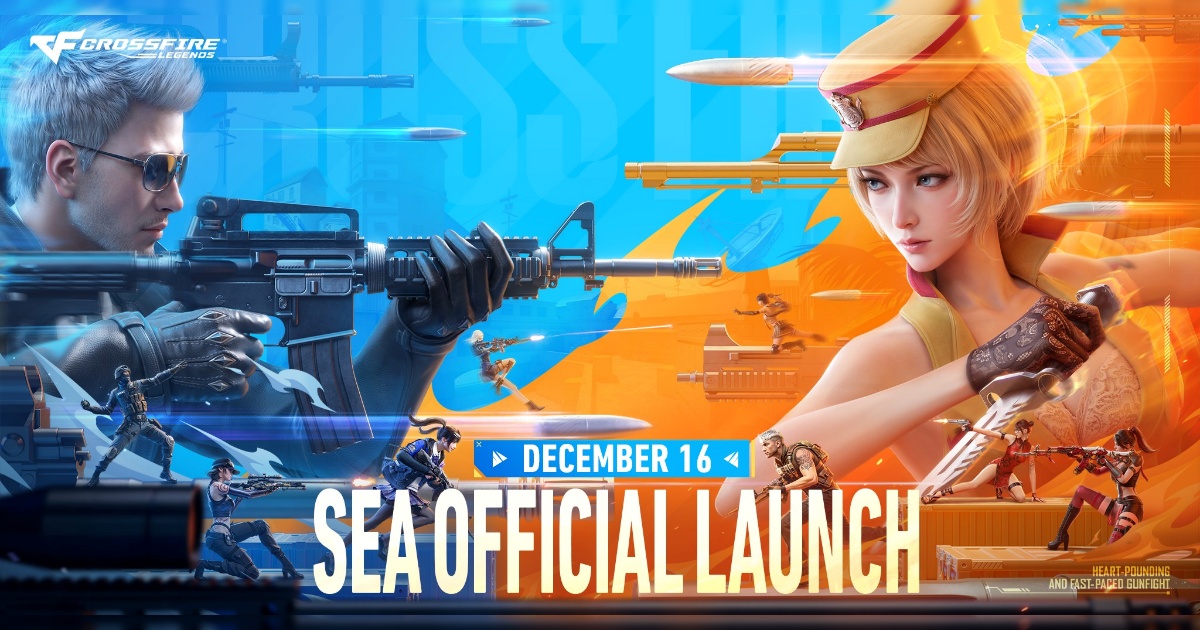
Built from the ground up for mobile, Crossfire: Legends delivers the adrenaline-fueled action of the legendary PC shooter — now with smooth, intuitive controls designed for on-the-go combat.
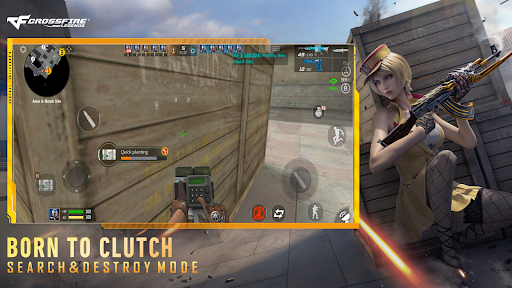
[Heart-pounding Search & Destroy Mode]
Classic 5v5 tactical warfare,as 10 players split into two squads: Black List and Global Risk. Black List plants the bomb and goes on the offense, while Global Risk defends and tries to defuse it. Strategy, precision, and teamwork are everything in this iconic showdown between Black List and Global Risk.
[Thrilling Mutation Mode]
Survive the chaos as soldiers face off against deadly mutants in this thrilling, high-speed mode. Unpredictable, heart-pounding, and packed with action — no two rounds in Mutation Mode are ever the same; perfect for players who love fast, thrilling gameplay with a twist of survival.
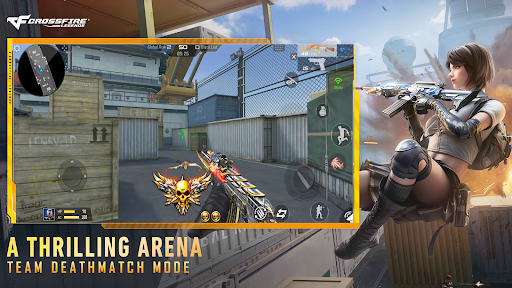
[Fast-paced Team Deathmatch Mode]
Pure FPS intensity. Fast respawns, nonstop firefights, and no time to waste. Test your reflexes and dominate the battlefield!
[Massive Rewards]
To celebrate the official launch, there are plenty of special events to get exquiste in-game weapons and characters including AK47-Beast, M4A1-Iron Beast, and etc. Join us now!
Follow us:
Facebook:https://www.facebook.com/PlayCrossfireLegends/
Discord: https://discord.gg/PC7fcHxNBM
YouTube: https://www.youtube.com/channel/UCpTA5p-FwJAzc-tNVVuw43A
TikTok: @cflegendsofficial
Show more

1. Download MEmu installer and finish the setup

2. Start MEmu then open Google Play on the desktop

3. Search Crossfire: Legends in Google Play
Install
4. Download and Install Crossfire: Legends
5. On install completion click the icon to start

6. Enjoy playing Crossfire: Legends on PC with MEmu
MEmu Play is the best Android emulator and 100 million people already enjoy its superb Android gaming experience. The MEmu virtualization technology empowers you to play thousands of Android games smoothly on your PC, even the most graphic-intensive ones.
Bigger screen with better graphics; Long duration, without limitation of battery or mobile data.
Full Keymapping support for precise control of keyboard and mouse or gamepad.
Multiple game accounts or tasks on single PC at one time with Multi-Instance manager.
Play Crossfire: Legends on PC by following steps:


























































![PUBG mobile update [Mar.2020] PC](https://www.memuplay.com/blog/wp-content/uploads/2019/11/121-1.jpg)

























![[Game Reviews] Mobile Legends: Bang bang PC](http://www.memuplay.com/blog/wp-content/uploads/2016/11/bangbang-3-small.png)